Example: Blur
This walkthrough builds Blur: a menu command opens a small window with one slider, and the slider blurs the video that is playing. It is about 40 lines of TypeScript and 40 lines of Slint, and it shows three parts of the API working together: a command, a tool window and a video filter.
The complete source is in examples/blur/. Every code block on this page is taken from those files, so it is always the code CI checks and tests.
What it demonstrates
A command in the player's Video menu · a tool window with one slider (properties, a callback, a two-way binding, bind) · a video filter: setting a gblur chain live, and [] to remove it.
Open a tool window and remember its state teaches tool windows; Keep a slider responsive while dragging teaches the live slider.
What you'll build
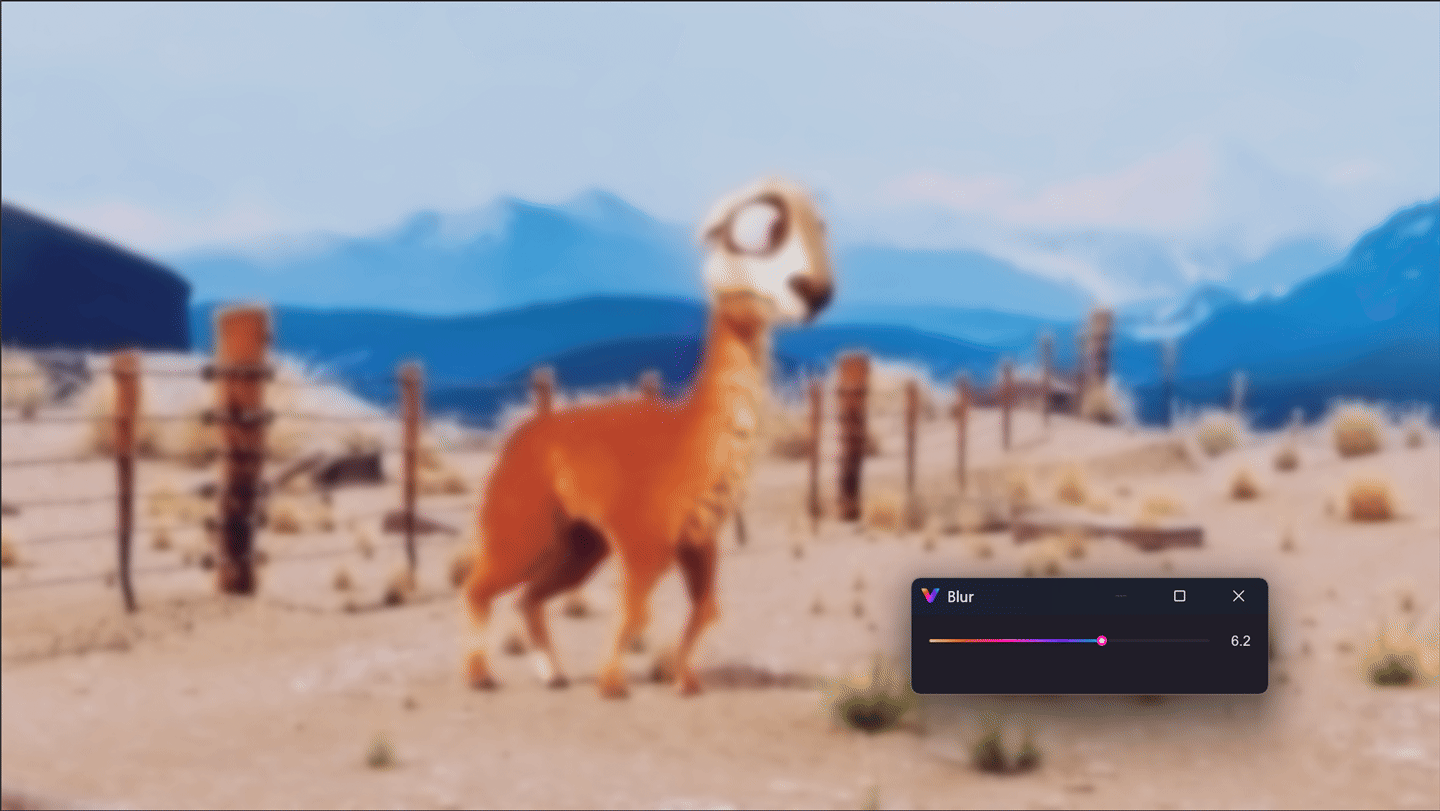
- Video ▸ Blur… in the player's own Video menu opens the Blur window.
- The window has one slider, the blur strength from 0 to 10. The video follows the slider while you drag it. At 0 the blur is off.
- If the player cannot apply the blur, the window says why in one line of red text.
You should know the basics from Hello: a plugin is a folder with a manifest.json and a main.ts whose default export, activate(plugin), the player calls.
The files
examples/blur/
manifest.json id
main.ts the filter, the window and the menu command
ui/blur.slint the window: one slider
tests/blur.test.ts tests against the SDK's in-memory test host
package.json the SDK as a dev dependency, and the npm scripts
The manifest
{
"id": "examples.blur",
"version": "1.0.0",
"apiVersion": "vestra/1",
"entry": "main.ts",
"minPlayerVersion": "0.9.0",
"name": "Blur",
"author": "Vestra Player SDK examples",
"punchline": "A live Gaussian blur over the video that is playing",
"description": "Video ▸ Blur… opens a small window with one slider: move it to blur the video, set it to 0 to turn the blur off.\nSDK example: a menu command, a tool window and a video filter.",
"tags": ["video", "filter", "blur", "example"]
}
The manifest says who the plugin is. The plugin reads nothing of the player at start: a filter follows the player's source by itself while it exists, to know when there is a video to apply the blur to, so a blur set before a video starts applies when one does.
main.ts, top to bottom
Activation
import type { Plugin, VideoFilter, VideoNode } from "@vestra-player/sdk";
export default function activate(plugin: Plugin) {
The SDK is imported with import type only: the player passes the plugin object to activate, and everything the plugin creates through it (the filter, the window, the command) is released when the plugin stops. There is no cleanup code to write.
The filter
// This plugin's video filter chain, made on first use. A chain keeps the
// plugin running once it has nodes (a blur is on); with none it holds
// nothing. It belongs to a scope made first, so at a stop it goes after
// the window that shows it.
const effects = plugin.scope();
let blur: VideoFilter | undefined;
let strength = 0; // the Gaussian sigma, 0–10; 0 means off
function setStrength(value: number) {
strength = Math.round(value * 10) / 10; // one decimal, like the label
const chain: VideoNode[] =
strength === 0 ? [] : [{ kind: "gblur", sigma: strength, steps: 3 }];
if (blur || chain.length)
(blur ??= effects.video.filter("blur")).set(chain);
}
plugin.video.filter("blur")creates this plugin's filter chain, a list of processing nodes the player runs on every decoded frame. Creating it sends nothing.strengthis the plugin's only state. The window shows it and the slider changes it.Math.round(value * 10) / 10keeps one decimal. The window's label shows one decimal too, and a slider dragged all the way left lands on exactly 0 instead of 0.02.{ kind: "gblur", sigma, steps: 3 }is FFmpeg's Gaussian blur.sigmais the radius, 0–10 (the slider's range);stepsmust be 3. A value out of range would be refused withinvalid.[]is the empty chain: it removes this plugin's blur and leaves other plugins' filters alone.blur.set(chain)returns immediately. The SDK applies the chain when a video plays and again for every new video, so the plugin callssetonly when the strength changes.
Calling set on every mouse move is fine. While you drag, the window reports a new value dozens of times a second. The filter sends at most one request at a time; a set while a request is on its way only replaces the pending value, so the player always ends up with the latest value and never works through a queue of old ones.
The window
const blurWindow = plugin.windows.create("ui/blur.slint");
blurWindow.bind(() => ({
strength,
// Empty unless the player refused the blur.
problem: blur?.status.state === "failed" ? blur.status.error.message : "",
}));
blurWindow.on("strengthChanged", setStrength);
plugin.windows.create("ui/blur.slint")loads the window file but does not open it. The window's id is the file name,blur.bind(() => ({ … }))keeps the window's properties equal to what the function returns. The SDK calls it again after every callback and every change of the filter's status, and sends only the values that changed. The plugin never pushes updates by hand.blur.statusiswaiting,applying,appliedorfailed. Only a failure is worth showing here, with the player's reason inerror.message. One failure you can see on purpose: a generated stream (such as the signal generator) does not pass through the player's filters, so while one plays the status isfailedwith the codeunsupported. The blur comes back by itself when a video plays again.on("strengthChanged", setStrength)connects the Slint callbackstrength-changedto the function above. TypeScript may use either spelling.
The command
plugin.commands.add({
id: "blur",
path: ["@video", "Blur…"], // the player's Video menu, in any language
run: () => blurWindow.show(),
});
path: ["@video", "Blur…"]puts the item in the player's own Video menu. Paths merge by their English keys in every interface language, so["Video", "Blur…"]reaches the same menu; the id form@videosays plainly that a built-in menu is meant, and an unknown id fails withinvalidinstead of making a new menu (Menu paths). The built-in menu stays where it is, and an item withoutordergoes at the end of it.runopens the window, or shows it again after the user closed it. Returning the promise ofshow()lets the SDK report a failure to the plugin log.
ui/blur.slint
// The Blur window: one slider. Walkthrough: docs/examples/blur.md.
import { Theme } from "@vestra/theme.slint";
import { Slider } from "@vestra/widgets.slint";
export component BlurWindow inherits Window {
title: "Blur";
width: 280px;
background: Theme.bg-panel;
in-out property <float> strength;
in property <string> problem;
callback strength-changed(float);
VerticalLayout {
padding: Theme.dialog-padding;
spacing: 8px;
HorizontalLayout {
spacing: 8px;
Slider {
minimum: 0;
maximum: 10;
value <=> root.strength;
changed(value) => { root.strength-changed(value); }
}
Text {
width: 24px;
text: round(root.strength * 10) / 10;
color: Theme.text;
font-size: Theme.font-body;
horizontal-alignment: right;
}
}
Text {
text: root.problem;
color: Theme.danger;
font-size: Theme.font-body;
wrap: word-wrap;
}
}
}
- The imports come from the player at run time:
Themeholds its colours and sizes, so the window follows the player's colour scheme, andSliderlooks like the player's own sliders. - A window file exports one component that inherits
Window. - Properties carry data from the plugin to the window.
strengthisin-outbecause the user changes it too;problemisinbecause only the plugin writes it. - Callbacks carry actions from the window to the plugin.
strength-changedpasses the slider's new value. value <=> root.strengthis a two-way binding. A one-way binding (value: root.strength) would be broken by Slint the first time the user drags the slider, and from then on the plugin could no longer move it, for example when the window is opened again.changed(value)fires on every mouse move during a drag: that is what makes the blur follow the slider live.- The label rounds the value to one decimal, like
setStrength.
The tests
import assert from "node:assert/strict";
import test from "node:test";
import { startPlugin, TestHost } from "@vestra-player/sdk/testing";
import activate from "../main.ts";
/** Start the plugin with a video already playing. */
async function start() {
const host = new TestHost();
host.setSource({ phase: "ready", duration: 60 });
return startPlugin(activate, {
directory: new URL("..", import.meta.url), // reads manifest.json
host,
});
}
/** The video chain the player holds for this plugin (`[]` when there is none). */
function chain(host: TestHost) {
const [resource] = host.processing.resources.values();
return resource?.nodes ?? [];
}
test("Video ▸ Blur… opens the window; the slider blurs the video", async () => {
const { host, stop } = await start();
const command = host.command("blur");
assert.deepEqual("path" in command.declaration && command.declaration.path, [
"@video",
"Blur…",
]);
await command.run();
const blurWindow = host.window("blur");
assert.equal(blurWindow.visible, true);
blurWindow.emit("strength-changed", 4);
await host.settle();
assert.deepEqual(chain(host), [{ kind: "gblur", sigma: 4, steps: 3 }]);
assert.equal(blurWindow.props["problem"], "");
await stop();
});
test("strength 0 removes the blur", async () => {
const { host, stop } = await start();
await host.command("blur").run();
const blurWindow = host.window("blur");
blurWindow.emit("strength-changed", 6.5);
await host.settle();
blurWindow.emit("strength-changed", 0.02); // rounds to 0
await host.settle();
assert.deepEqual(chain(host), []);
assert.equal(host.processing.resources.size, 0);
await stop();
});
test("stopping the plugin withdraws the blur", async () => {
const { host, stop } = await start();
await host.command("blur").run();
host.window("blur").emit("strength-changed", 3);
await host.settle();
assert.equal(host.processing.resources.size, 1);
await stop();
assert.equal(host.processing.resources.size, 0);
});
test("only the open window keeps the plugin running", async () => {
const { host, stop } = await startPlugin(activate, {
directory: new URL("..", import.meta.url),
});
const keepsRunning = () => host.keepsRunning;
await host.settle();
assert.deepEqual(keepsRunning(), []);
await host.command("blur").run();
await host.settle();
assert.deepEqual(keepsRunning(), ["an open window (blur)"]);
host.window("blur").userClose();
await host.settle();
assert.deepEqual(keepsRunning(), []);
await stop();
});
startPlugin runs activate against TestHost, an in-memory player that speaks the real protocol, so the SDK's filter logic runs unchanged; there is no video and no Slint. host.setSource({ phase: "ready" }) pretends a video is playing, blurWindow.emit fires a Slint callback as if the user had moved the slider, and host.processing.resources holds what the player currently applies for each plugin. Always await host.settle() before checking: it waits until every request has been answered.
Run it
In the SDK repository, build the SDK once (npm ci at the root), then:
cd examples/blur
npm install
npm run check # manifest rules and a strict type check
npm test
Start the player with --plugin <path to examples/blur>: it runs main.ts directly, with no build step. Open a video, choose Video ▸ Blur… and drag the slider. npm run pack builds examples.blur-1.0.0.vxp, the file users install.
Try next
- Remember the strength. Keep it in
plugin.storage.json("blur", { defaults: { strength: 0 } }), callsaveinsetStrength, and callsetStrength(store.value.strength)at activation. SeeStorage. - A shortcut and a check mark. Add a second command with
bindings: ["Ctrl+Shift+B"]that switches between 0 and the last strength, andchecked: () => strength > 0so the menu shows whether the blur is on. SeeCommandOptions. - Presets. Add a
ComboBoxwith Light, Medium and Strong to the window and a callback that callssetStrengthwith 2, 5 or 9. Becausestrengthis bound two-way, the slider moves with it.
See also
VideoFilter,FilterStatusandVideoNode: filters, their status and every node type with its ranges.ViewandWindow: properties, callbacks andbind.- Keep a slider responsive while dragging.
TestHostin@vestra-player/sdk/testing.