Examples
Complete plugins from the examples/ folder. CI checks, tests and packs every one of them against the current SDK, so they always compile. Each walkthrough explains an example step by step, with the code taken from the example itself. To run one, see Running an example at the end of this page.
Hello
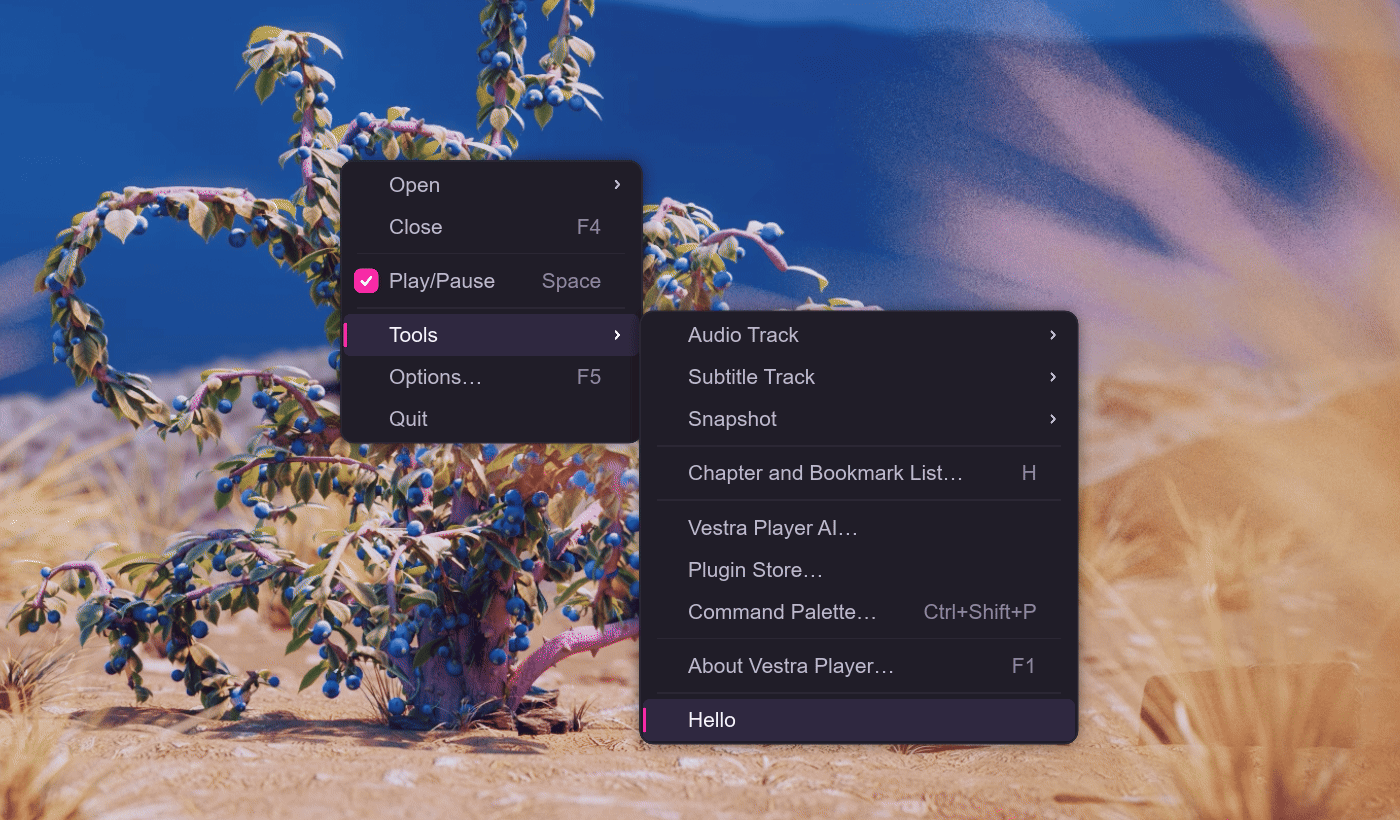
The smallest complete plugin, and the README's Quick start: Tools ▸ Hello shows an on-screen message.
You learn: the manifest · a menu command · the on-screen display.
Blur
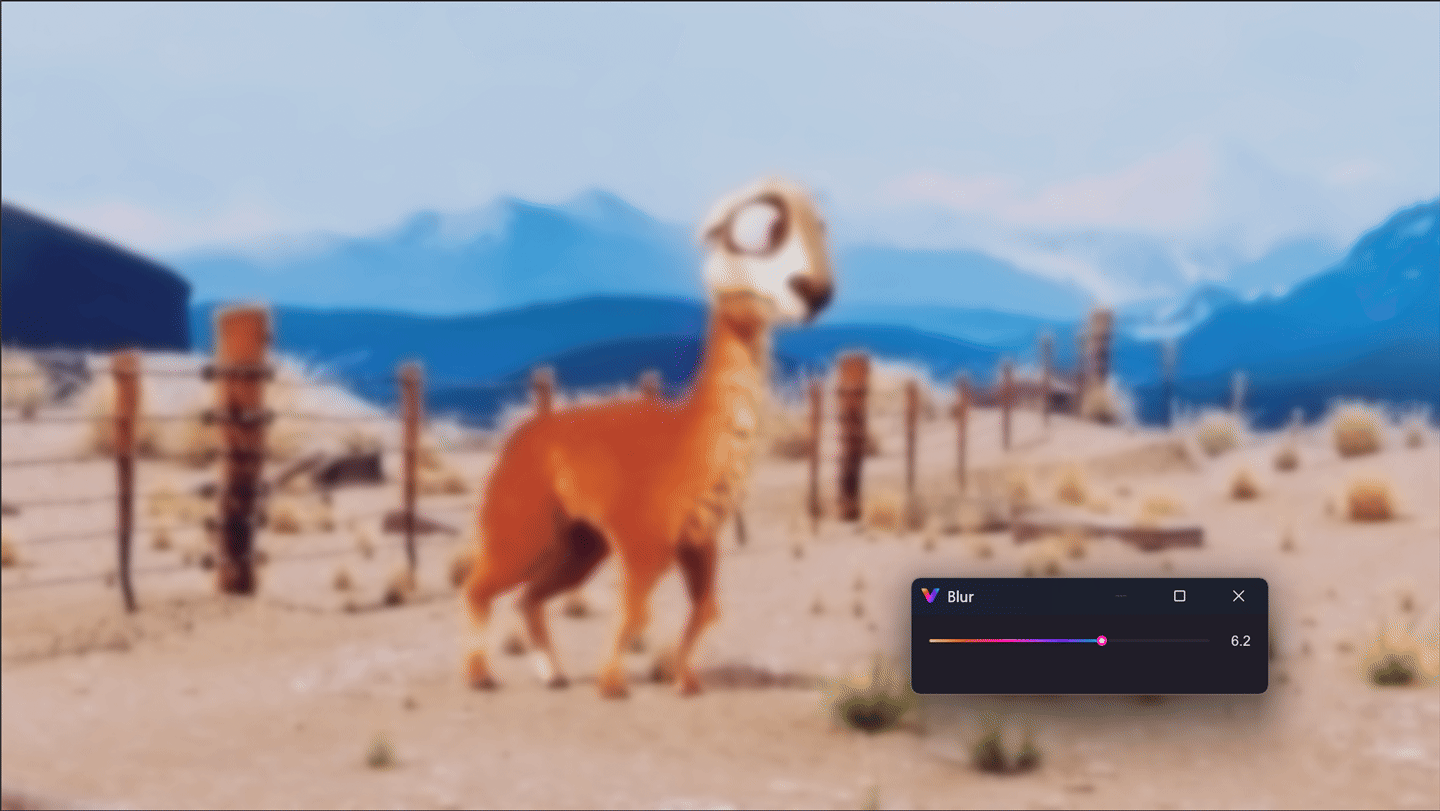
Video ▸ Blur… opens a small window with one slider that blurs the playing video.
You learn: a command in the player's Video menu · a tool window with one slider (properties, a callback, a two-way binding, bind) · a video filter: setting a gblur chain live, and [] to remove it.
Signal generator
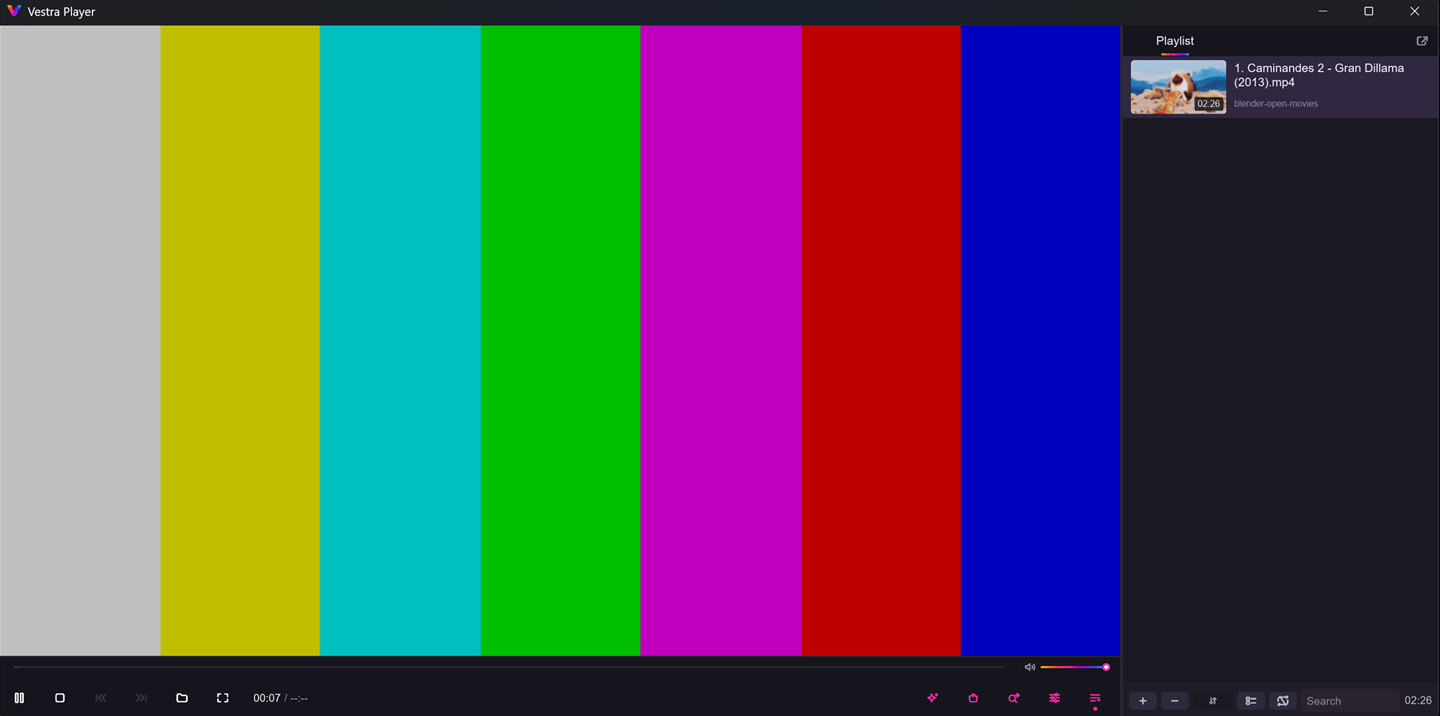
Open ▸ Signal generator plays colour bars and a 1 kHz tone that the plugin generates itself; choose it again to stop.
You learn: generated streams with openStream (the player pulls frame()) · the RGBA frame layout · audio samples per video frame (48000 / fps, carrying the fraction) · a phase-continuous sine · stopping a stream.
Bookmark
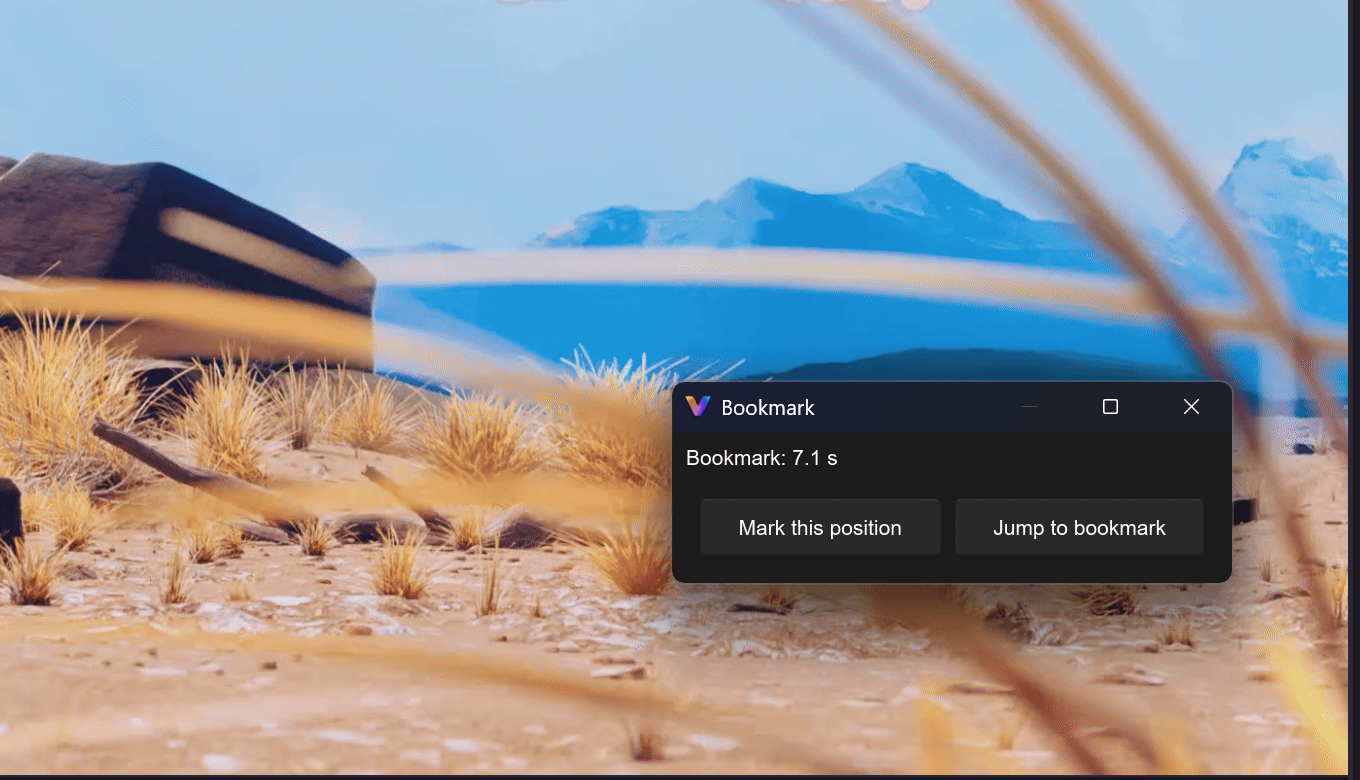
Playback ▸ Bookmark… opens a small tool window that remembers the current position and jumps back to it.
You learn: a tool window whose properties are bound to the playback state · handling its buttons · following the state only while the window is open.
Panel menu
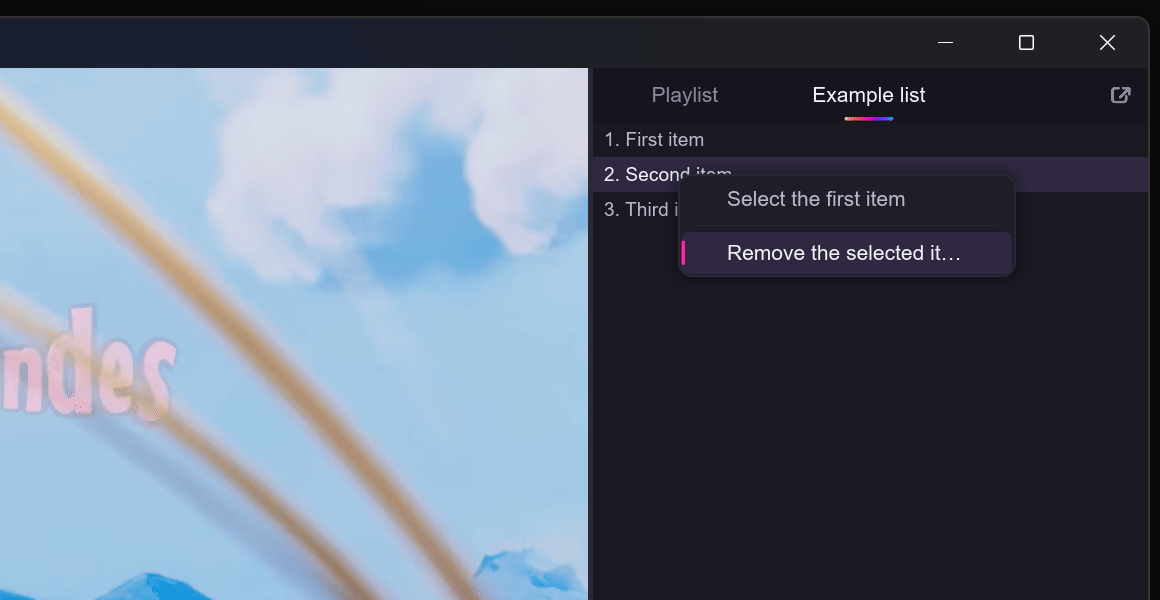
A list in the sidebar with its own right-click menu. Next to the player's playlist it is a second sidebar tab.
You learn: mounting a sidebar panel through a Slint global · a right-click menu made of the plugin's commands.
Adjust panel
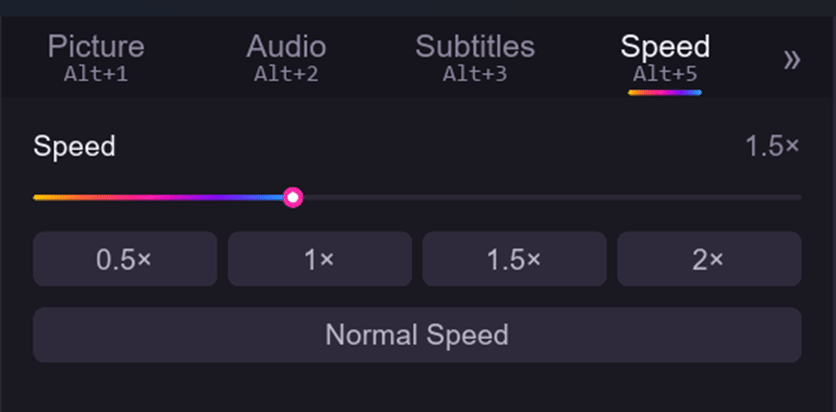
A speed slider in the adjust column, the column of controls for what is playing. Alt+5 opens the column at its tab and closes it again.
You learn: the "adjust" slot and when to choose it over "sidebar" · a panel's own key with Panel.toggle · CommandOptions.home, which puts that key under the tab · following the state only while the tab is on screen.
Menus
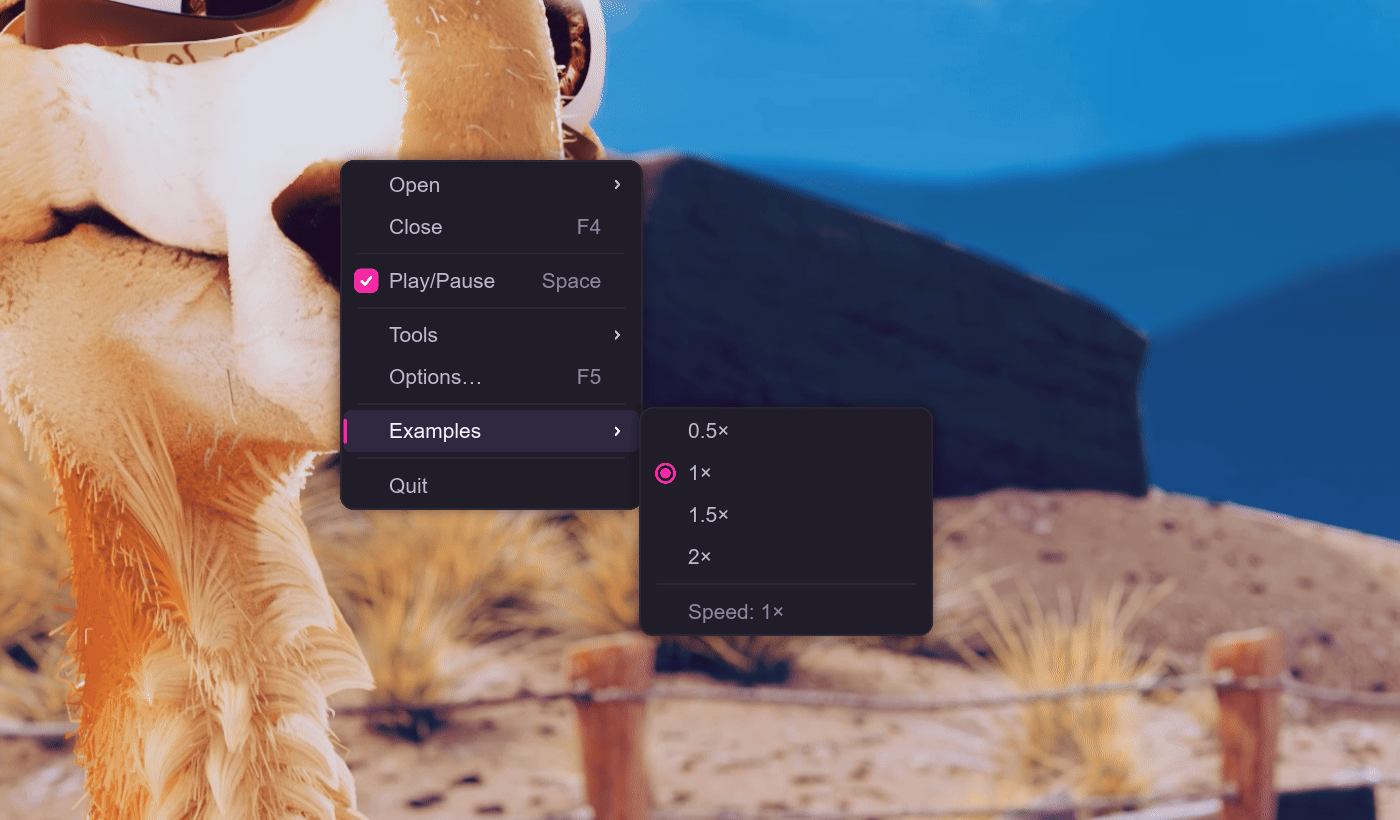
An Examples menu that sets the playback speed with radio items, and an item whose title shows the speed.
You learn: radio items · order and separator groups · changing an item's title by rebuilding a child scope.
Theme widgets
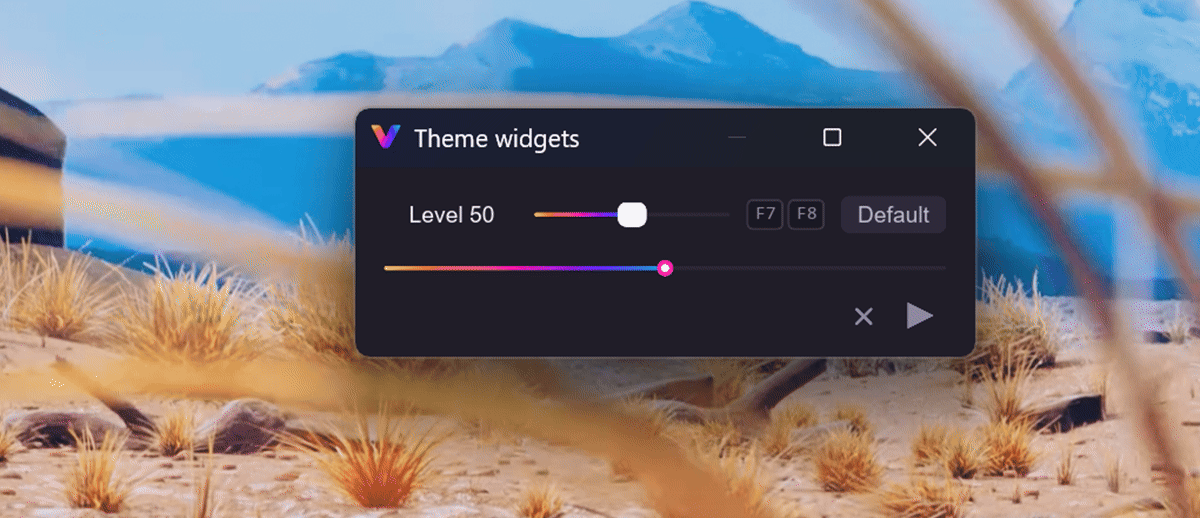
A tool window drawn with the player's own theme and controls: sliders, buttons, icon buttons and tooltips.
You learn: @vestra/theme.slint and @vestra/widgets.slint · a slider bound two-way to a property.
Markdown
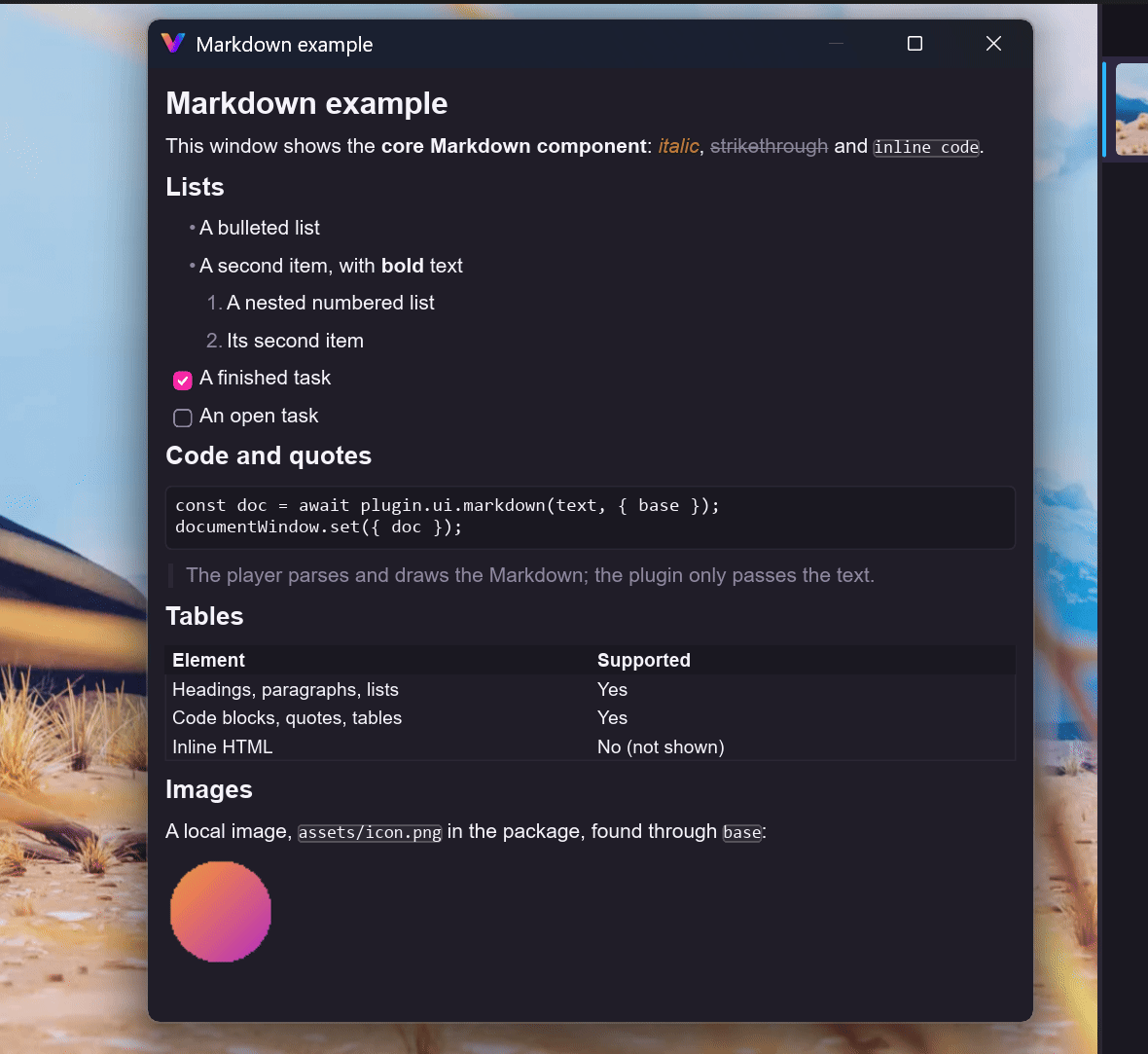
Tools ▸ Markdown example… shows a Markdown document in a window.
You learn: plugin.ui.markdown and MarkdownView · images relative to the package · packing a non-code file.
Counter (i18n)
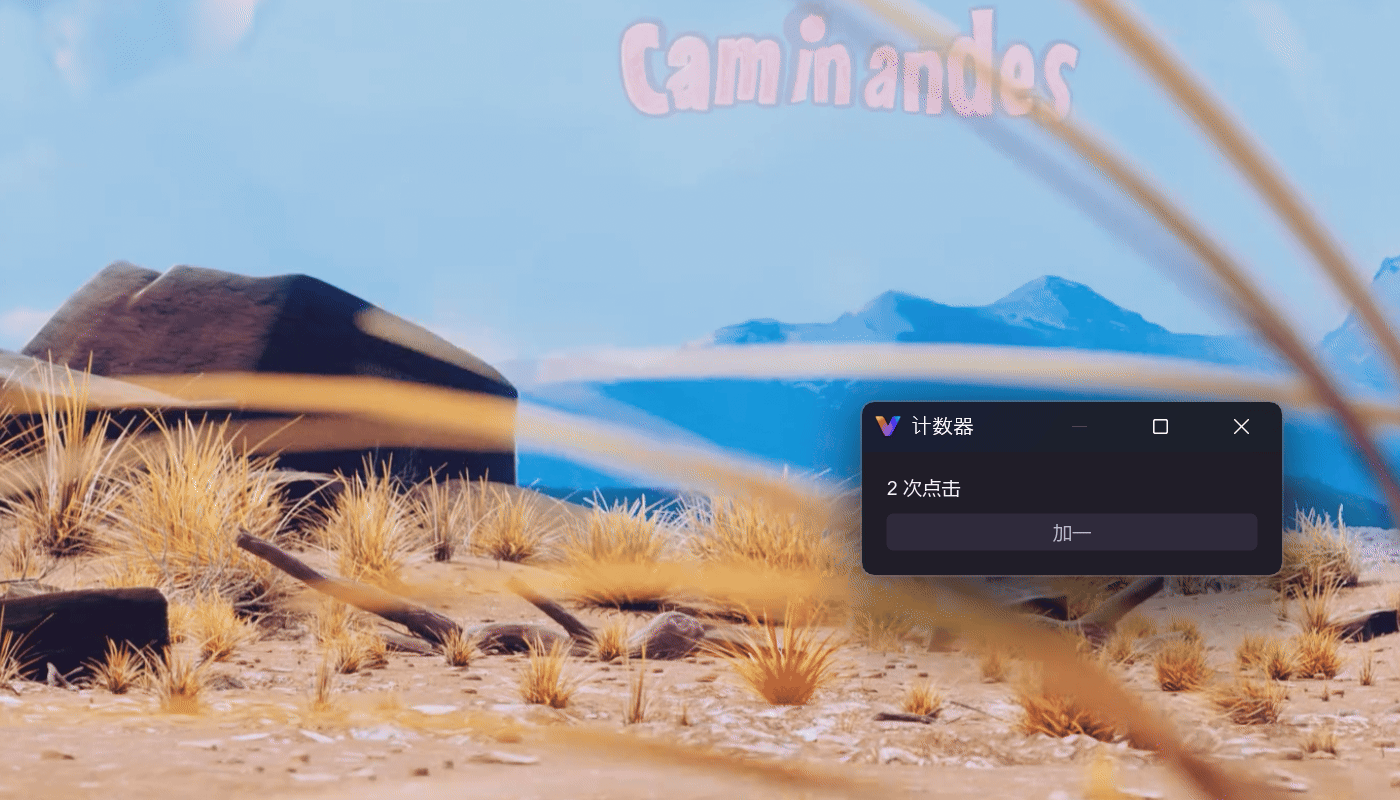
Tools ▸ Counter… counts clicks in a small window, in the player's language: every text is English in the source and locales/zh-Hans.po translates it.
You learn: English source text in declarations, Slint (@tr, plural forms) and OSD templates · vestra-plugin i18n extract and check · testing with startPlugin({ locale }).
Three ways
Four jobs (a speed tab in the adjust column, a status line pushed every frame, a list of 20,000 rows, a command waiting for an answer) each written in style A (bind()), B (player.on, set()) and C (plugin.wire). You learn: which style fits which job and what each sends. Signal generator and Panel menu also come in styles B and C. Walkthrough (the Tutorial) · Source
Running an example
git clone https://github.com/vestrasys/vestra-player-sdk.git
cd vestra-player-sdk && npm ci # builds the SDK the examples link to
cd examples/hello && npm install
npm run check && npm test && npm run pack
Start the player with --plugin <path to the example> to try it without packing.